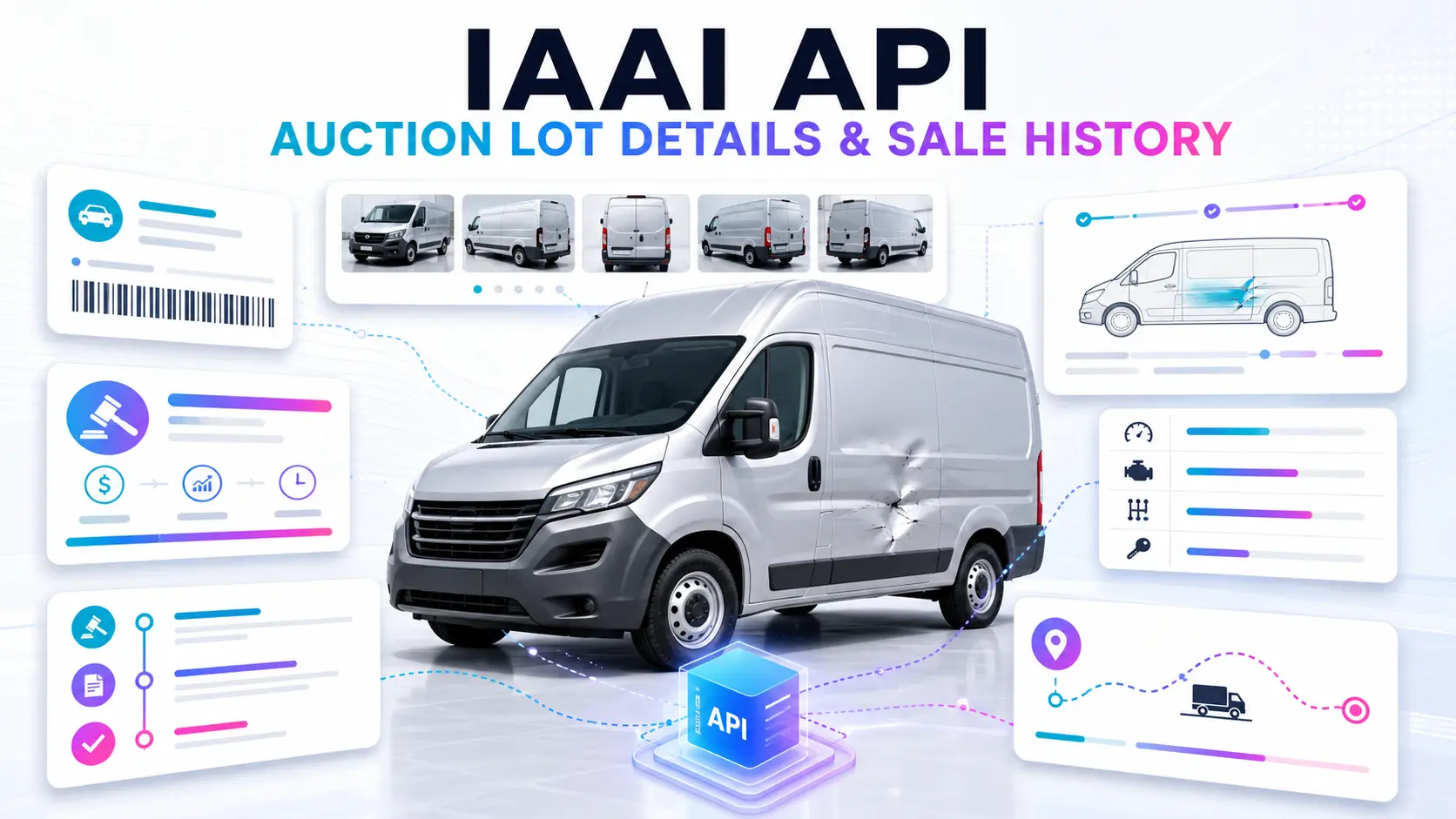
An IAAI API allows an application to retrieve supported IAA vehicle auction listings and lot details programmatically. Developers can use structured data for VIN lookup, vehicle identity, auction timing, prices, damage, odometer, specifications, sale documents, locations, photos and available auction history.
The Apibara.tech Vehicle Auction Data API normalizes supported IAAI and Copart auction records behind one JSON integration. Instead of maintaining separate IAAI parsers, browser sessions and data-cleaning rules, your backend can search inventory, retrieve one lot, load history, find related vehicles and connect supported locations to shipping workflows.
What Is an IAAI API?
An IAAI API is a developer interface for working with vehicle auction data associated with IAA/IAAI listings. It lets software request data in a structured format rather than requiring a person to open auction pages and copy lot information manually.
Developers and buyers commonly search for both “IAA API” and “IAAI API.” This guide uses IAAI when discussing the normalized Apibara.tech platform value because API requests use platform=iaai. The data source must remain visible in every stored record so an application can distinguish IAAI lots from Copart lots.
What IAAI Auction Data Can Be Available?
| Data group | Example fields | Product use |
|---|---|---|
| Identity | VIN, lot number, platform, title, year, make and model | Search, matching, detail pages and CRM records |
| Auction | Schedule, state, countdown, timed fields and sold metadata | Calendars, watchlists and status monitoring |
| Pricing | Current bid, Buy Now, last sold price and estimates when available | Buyer tools, comparison and analytics |
| Condition | Primary/secondary damage, loss type, run condition and keys | Risk review and repair workflows |
| Odometer | Mileage in miles and kilometers when available | Vehicle comparison and international display |
| Specifications | Color, engine, transmission, fuel, drive type and body style | Filters and structured vehicle pages |
| Sale document | Source document name, normalized type and supported flags | Export and registration review |
| Location | Branch/facility, city, state, ZIP and coordinates | Search radius, logistics and shipping |
| Media | Photos, thumbnails, video and 360-degree media when available | Marketplace cards and galleries |
| History | Previous platform, date, price and sale-status records | VIN research and historical comparison |
Not every IAAI record contains every field. A production application must distinguish missing data from zero, false or “clean.” For example, a missing price is not a $0 price, and missing secondary damage does not prove that no additional damage exists.
IAAI API Endpoint Map
| Task | Endpoint | Usage |
|---|---|---|
| Search IAAI inventory | GET /vehicles?platform=iaai |
Listings, filters and auction search |
| Get one IAAI lot | GET /vehicles/{slugVin} |
Full supported record by VIN, lot or public identifier |
| Get auction history | GET /vehicles/{slugVin}/history |
Available previous auction and sale records |
| Find comparable lots | GET /vehicles/{slugVin}/related |
Upcoming and historical related inventory |
| Load filter metadata | GET /vehicles/filters |
Current makes, models, ranges and other filter values |
| Get vehicle shipping | GET /vehicles/{slugVin}/shipping |
Available auction-to-port prices for the resolved location |
| Search IAAI locations | GET /locations?platform=iaai |
Branches, proximity search and logistics |
| Resolve an IAAI URL | GET /vehicles/urltodetails |
Convert a supported auction URL into normalized details |
All paths use the base URL https://apibara.tech/api/v1/vehicle-auction. Review the live endpoint reference before implementation because supported parameters and response fields are the contract.
How to Search IAAI Auction Vehicles
Use the readable platform filter platform=iaai for new integrations. The numeric equivalent is auction_type=2, but an application should use one platform-filter format per request.
curl -G "https://apibara.tech/api/v1/vehicle-auction/vehicles" \
  -H "Accept: application/json" \
  -H "X-API-Key: YOUR_API_KEY" \
  --data-urlencode "platform=iaai" \
  --data-urlencode "lot_sub_status=Open" \
  --data-urlencode "year_from=2020" \
  --data-urlencode "per_page=20"
The search endpoint supports combinations of vehicle, auction, location, condition, document, seller and shipping filters. Useful parameters include:
sfor VIN, lot number or title search;make,model,year_fromandyear_to;lot_statusandlot_sub_status;price_min,price_maxand odometer ranges;damage[],run_condandhas_key;facility_id,loc_state, ZIP and radius;- auction date, seller type, sale document and shipping availability.
Load selectable values from /vehicles/filters rather than permanently hard-coding every make, model, damage group or range.
How to Get One IAAI Lot by VIN or Lot Number
Search is useful for finding an identifier. Once your application knows the VIN or lot number, request the single-vehicle endpoint for the full normalized record:
curl "https://apibara.tech/api/v1/vehicle-auction/vehicles/45555471" \
  -H "Accept: application/json" \
  -H "X-API-Key: YOUR_API_KEY"
The {slugVin} value can be a supported VIN, lot number or public vehicle identifier. A VIN is generally more stable for connecting records across different lots, but an application must still preserve the source platform and lot number.
A useful detail page should separate identity, auction state, pricing, location, condition, odometer, technical specifications, sale document and media into clearly labelled sections. Do not present source-specific values as independent inspection results.
How to Retrieve IAAI Sale History
Use the history endpoint after resolving the vehicle:
curl -G "https://apibara.tech/api/v1/vehicle-auction/vehicles/45555471/history" \
  -H "Accept: application/json" \
  -H "X-API-Key: YOUR_API_KEY" \
  --data-urlencode "per_page=20"
History responses may include the resolved identity and available records containing platform, date, price and sale-status fields. History uses cursor pagination with up to 20 records per request. Pass the returned meta.next_cursor rather than constructing cursor values manually.
Availability depends on the VIN, lot, source platform and data retained for that record. No returned history does not prove that the vehicle has never been listed or sold. Auction history also is not automatically a complete ownership, accident, insurance or government-title report.
Auction Status, Timed Lots and Pricing
Auction data changes over the life of a lot. Your product may encounter open, live, ended or other supported states, as well as timed-auction and Buy Now fields. Scheduled dates can change, and an ended auction does not automatically mean a completed sale.
- Keep current bid, Buy Now, last sold price and estimated values in separate fields.
- Never display a missing value as
$0. - Show the response’s last update or your latest successful fetch time.
- Do not rely only on a frontend countdown to determine auction outcome.
- Continue checking an ended lot when a final result has not yet appeared.
- Move finalized records to a less frequent historical refresh schedule.
Supported live bid data may update approximately every 15 seconds, while general vehicle records may update within approximately 30 minutes. These are approximate intervals, not guarantees for every IAAI lot.
IAAI Locations and Shipping Workflows
Location data is important for marketplaces, exporters and broker systems because the auction branch affects transport cost and vehicle delivery planning. Search supported facilities with:
curl -G "https://apibara.tech/api/v1/vehicle-auction/locations" \
  -H "Accept: application/json" \
  -H "X-API-Key: YOUR_API_KEY" \
  --data-urlencode "platform=iaai" \
  --data-urlencode "state=TX" \
  --data-urlencode "per_page=20"
Location records may include facility identity, name, city, state, ZIP, coordinates, sale day, sale time and timezone. For a resolved lot, /vehicles/{slugVin}/shipping can return supported auction-to-port prices when its location can be matched. Clearly describe whether a quote covers inland transport only or additional logistics.
Recommended Integration Architecture
- Call the API from your backend. Keep
X-API-Keyout of browser code and mobile bundles. - Load filter metadata. Build the interface around currently available values.
- Search with
platform=iaai. Store source identity with every record. - Retrieve full details on demand. Avoid downloading complete records for cards that users never open.
- Cache normalized results. Store fetched timestamps and preserve nullable/source-specific fields.
- Use history and related endpoints selectively. Request them when the product actually displays those features.
- Monitor errors and usage. Track invalid keys, validation failures, missing records and quota limits.
Products You Can Build with IAAI Auction Data
Automotive marketplaces
Display searchable IAAI inventory with filters, cards, detail pages, photos, prices and auction status. Keep vehicle pages available after a sale when their historical data remains useful.
Dealer and broker dashboards
Monitor selected lots, organize customer requests, compare vehicles and connect auction records to CRM workflows.
VIN lookup and auction-history tools
Add available IAAI auction events, media, damage, odometer and prices to a VIN research product without calling it a complete vehicle history report.
Car export platforms
Combine IAAI location, document, condition and vehicle data with estimated inland shipping, customer quotes and import workflows.
Pricing and market analytics
Compare properly classified bid and sale data across similar vehicles, accounting for condition, odometer, location and sale date.
Inventory and notification systems
Track new matching lots, auction-state changes, rescheduled dates or supported price changes using controlled server-side refresh logic.
IAAI API vs IAAI Parser or Scraper
| Approach | Advantage | Main responsibility |
|---|---|---|
| Custom IAAI scraper | Full control over your own collection logic | Page changes, sessions, blocking, parsing, normalization and monitoring |
| Browser automation | Useful for temporary internal workflows | Browser infrastructure, failures, speed and maintenance |
| Apibara.tech API | Normalized JSON across IAAI and Copart | API coverage, application caching, error handling and product UX |
An API does not remove all engineering work, but it lets your team focus on search, vehicle pages, customer workflows and analytics instead of maintaining source-specific browser collection logic.
Data Quality and Source Differences
Normalized data creates a common structure, but it does not make IAAI and Copart records identical. Preserve the platform field and accept that some data is available on one source or lot but not another.
- A VIN may be valid, masked, absent or unavailable.
- Live bid, Buy Now and final price availability varies.
- Damage, seller, document and facility labels may be source-specific.
- History may be unavailable or incomplete.
- Photo count, quality, video and 360 media vary by listing.
- Shipping requires a supported location match.
- A record may change when a lot is rescheduled, sold, removed or finalized.
Errors, Pagination and Security
- Cursor pagination: use
meta.next_cursor; maximumper_pageis 20. - 401: the API key is missing or invalid.
- 404: the requested supported vehicle or resource was not resolved.
- 422: validate request parameters before retrying.
- 429: apply capped exponential backoff and monitor plan usage.
- 5xx or timeout: retry safe reads carefully and use timestamped cached data where appropriate.
Common IAAI Integration Mistakes
- Using
platform=1or another undocumented value instead ofplatform=iaai. - Sending both
platformandauction_typein the same request. - Hard-coding filter lists instead of using
/vehicles/filters. - Displaying missing bid, odometer or price values as zero.
- Assuming an ended lot is necessarily sold.
- Calling auction history a complete ownership or accident report.
- Removing the source platform during normalization.
- Exposing
X-API-Keyin frontend JavaScript. - Claiming that Apibara.tech is officially affiliated with IAAI or Copart.
Frequently Asked Questions
Does Apibara.tech provide an IAAI API?
Apibara.tech provides structured access to supported IAAI vehicle auction records through its Vehicle Auction Data API, alongside supported Copart records.
Should I use IAA API or IAAI API?
Developers search for both terms. In Apibara.tech requests, use the documented platform value platform=iaai.
Can I search IAAI lots by VIN or lot number?
Yes. The search parameter s supports VIN, lot number or title searches, and the single-vehicle endpoint accepts a supported VIN, lot number or public identifier.
Can I retrieve IAAI vehicle photos?
Supported records may contain photos, thumbnails, video or 360-degree media when those assets are available for the lot.
Can I retrieve IAAI sale history?
Yes, when retained history is available. History records may contain platform, date, price and sale-status fields.
Does every IAAI lot contain live bid data?
No. Bid, Buy Now, final price, countdown and other fields can be missing or delayed depending on the source and lot.
Can I get IAAI locations and shipping prices?
You can search supported IAAI locations and request available auction-to-port shipping when the vehicle’s auction location can be matched.
Is Apibara.tech an official IAAI API?
No. Apibara.tech is an independent data API platform and is not affiliated with, endorsed by or officially connected to IAAI, Copart or their parent companies.
Start Building with IAAI Auction Data
Search supported IAAI lots, retrieve vehicle details, inspect available history and connect auction data to marketplaces, VIN tools, dashboards and export workflows.
Test the API demo, review the endpoint reference or read the documentation.
Related guides: VIN Auction History API, Auction Data API for automotive marketplaces and Car Auction Parser for Copart and IAAI.